Understanding Square Images
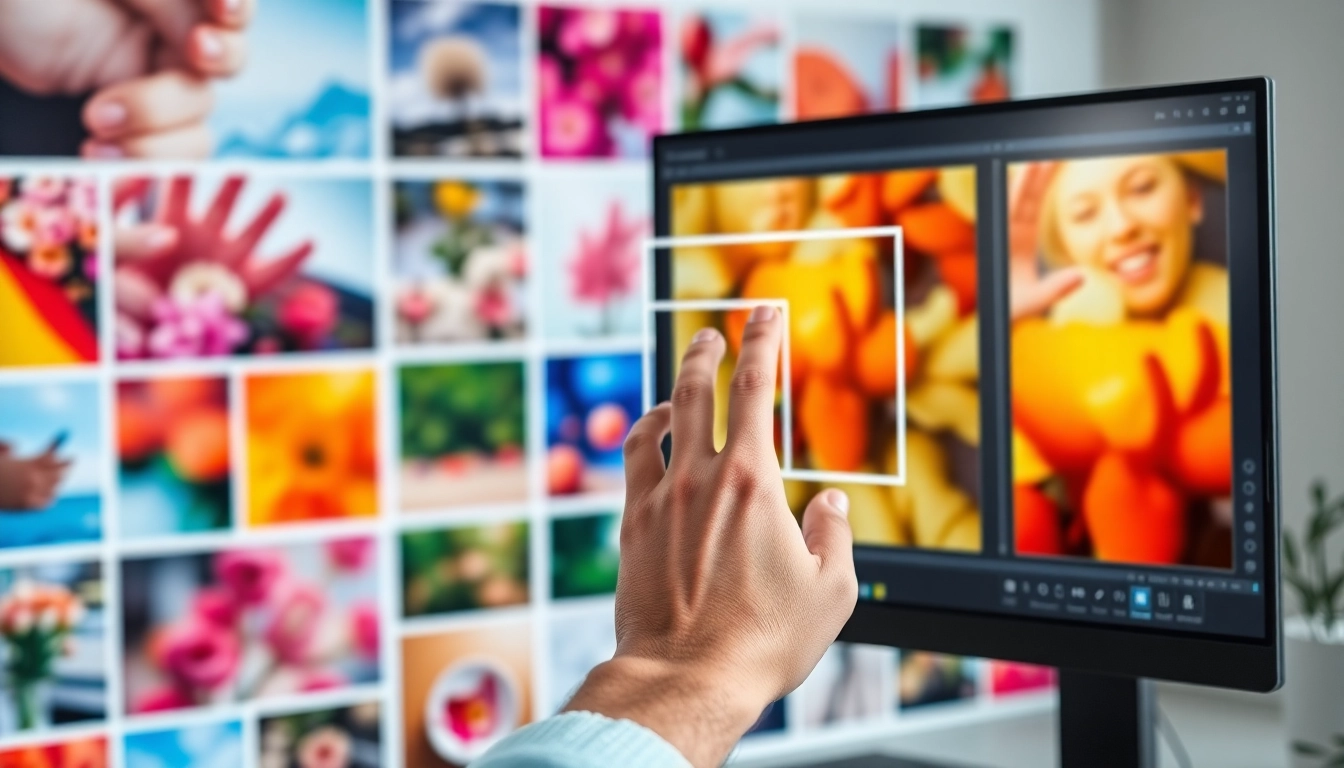
In today’s digital age, the visual presentation of images plays a pivotal role in how we communicate. Square images, with their balanced dimensions, have become increasingly popular, especially for platforms like Instagram that favor a 1:1 aspect ratio. As you embark on a journey to transform your photos, understanding the nuances of square images can significantly enhance their impact. One of the easiest ways to achieve this is by using online tools designed to make image square, allowing you to maintain the creativity of your visual storytelling.
What is a Square Image and Why Use It?
A square image is defined by equal width and height, resulting in a 1:1 aspect ratio. This format is not just about aesthetics; it often serves practical purposes in various mediums, especially social media. Square images fit well into feeds without unfair cropping or distortion, ensuring that the entire subject of the photo is visible and highlighted. This consistency is particularly advantageous for branding, as it allows for a cohesive look across your online presence.
Benefits of Square Images for Social Media
- Uniformity: Square images provide a uniform look across your social media profiles, enhancing your brand identity.
- Engagement: Posts featuring square images tend to receive higher engagement rates, as they capture attention without distractions.
- Versatility: They can easily be used across different platforms, making them ideal for sharing on Facebook, Twitter, and Instagram.
Common Misconceptions About Square Images
Many people believe that square images limit creativity or that they can’t adequately represent landscapes or wide subjects. However, with the right tools, you can creatively adjust your images and even incorporate background blur or solid colors to enhance the presentation. Tools that allow you to make an image square not only simplify the cropping process but can also elevate the overall look of your images.
How to Make Image Square: Step-by-Step Guide
Uploading Your Image: Best Practices
When it comes to uploading images to be transformed into a square format, clarity and quality are essential. High-resolution images yield better results, so ensure your images are at least 1080 pixels on each side. Depending on your needs, choose the right format: JPG, PNG, or WebP are all supported by most online tools.
Selecting the Right Method: Crop vs. Blur
After uploading your image, you can choose between two primary methods to make it square: cropping or applying a blur effect. Cropping frames the subject by removing excess background, while a blur effect adds a stylistic background that enhances the photo without sacrificing the original subject. The choice depends on the visual story you want to tell.
Previewing and Saving Your Final Image
Once you've made your adjustments, always preview your image before saving. This can help spot any misalignments or areas where adjustments might be necessary. Most tools will allow you to save your final product in various formats, ensuring flexibility for your specific needs.
Advanced Techniques for Image Transformation
Using Blur and Color Adjustments Creatively
One of the most engaging ways to frame your square images is through creative background blur or color adjustments. For instance, applying a soft blur not only emphasizes your subject but adds a modern touch to the photo. Additionally, you can adjust the color saturation or brightness to enhance the overall aesthetic.
Transforming Portraits into Eye-Catching Squares
Portraits, when cropped into squares, can become strikingly appealing. Use techniques like center framing to highlight the subject’s features. Adding a contrasting blur or solid color background can also provide depth and draw the viewer's attention directly to the portrait.
Integrating Effects for Maximum Impact
Integrating visual effects such as overlays, text, or filters can elevate your square images further. Consider using tools that allow for easy effects integration, as this can enhance your images, making them more memorable and engaging for your audience.
Tools and Resources for Making Images Square
Top Online Tools: A Comparison
Several online tools can assist you in transforming your images into perfect squares. Popular options include:
- Square Image: This intuitive tool allows you to upload images and choose from cropping or background effects.
- Canva: Offers pre-set dimensions and ample design features to create attention-grabbing square images.
- Adobe Express: A robust option for resizing and adjusting images extensively.
Mobile Apps for On-The-Go Editing
For those who need to edit images on the go, various mobile apps like Snapseed and SquareDroid offer easy-to-use interfaces for quick adjustments and uploads directly to social media platforms. These apps are ideal for users who want to maintain quality while editing images from their mobile devices.
Professional Software Solutions: What to Consider
For professional image editors, software like Adobe Photoshop offers comprehensive tools for making precise square images. While it may have a steeper learning curve, it provides unparalleled control over the final output, perfect for high-stakes projects where every detail matters.
Future Trends in Image Editing for 2026 and Beyond
Emerging Technologies in Image Processing
The future of image editing lies in artificial intelligence and machine learning. These technologies are expected to streamline the editing process, offering features that can automatically adjust images to be square without significant user intervention. These innovations will allow creators to focus on their craft, rather than the technicalities of image manipulation.
The Growing Importance of Visual Content
As social media continues to evolve, the importance of high-quality visual content will only increase. Brands are expected to invest more in eye-catching square images that resonate with their target audience, making it essential for marketers to adapt quickly.
Predictions for User Experience in Image Editing
In the coming years, user experience will play a crucial role in how image editing tools are developed. Expect to see more intuitive interfaces, quicker processing times, and interactive tutorials that help users maximize the potential of available tools to create stunning square images easily.