Understanding the White Screen Tool
The white screen tool has become increasingly popular across various industries, serving as an essential resource for professionals and hobbyists alike. This tool displays a pure white background on the screen, offering numerous applications ranging from monitor testing to enhancing video call lighting. By removing distractions, users can create an optimal environment for focus and productivity.
What is a White Screen and How Does It Work?
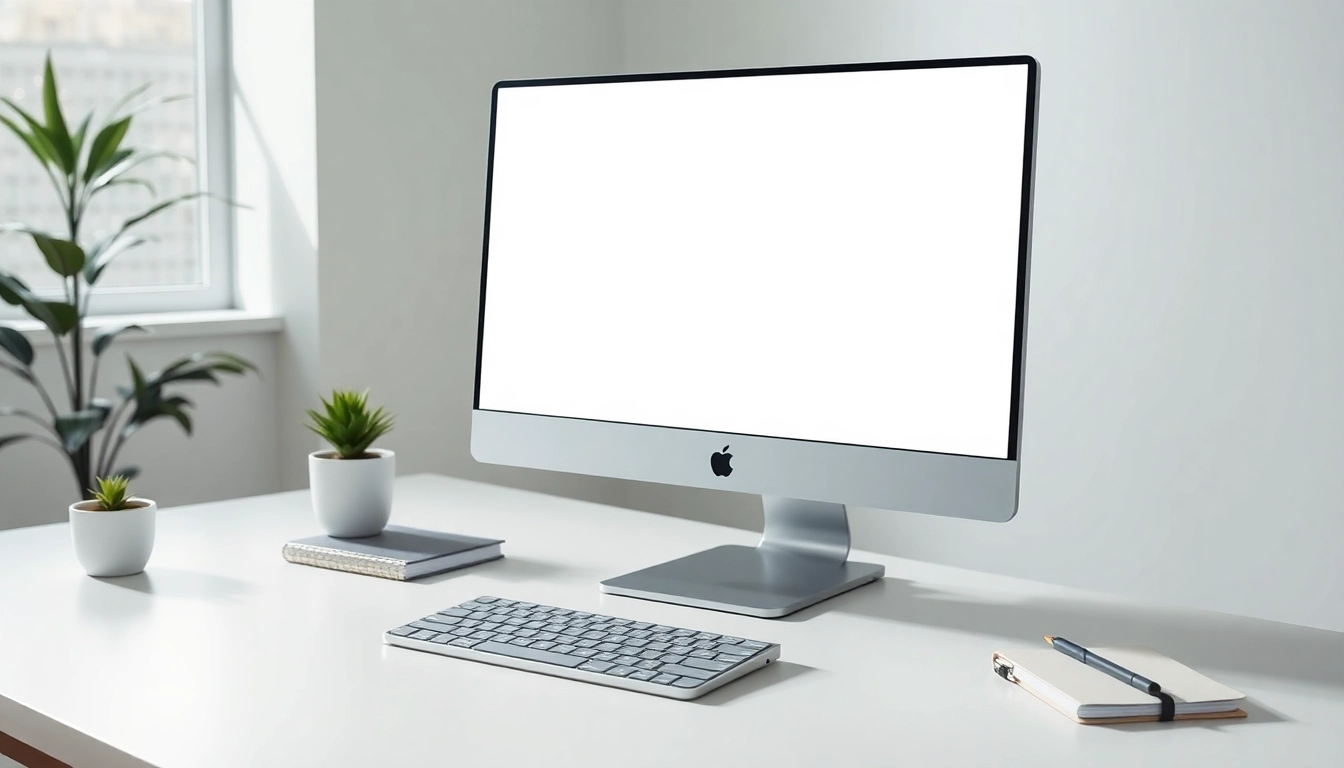
A white screen is essentially a digital canvas that displays a solid white background. This simple yet effective tool operates by utilizing the maximum brightness of your screen, illuminating the area in front of it. This can serve a variety of purposes, including lighting solutions for photography, testing for dead pixels on monitors, or providing a blank slate for creative tasks. The mechanism is straightforward; it is designed to maximize the brightness output, creating a clean and distraction-free interface.
Common Uses of the White Screen Tool
The versatility of the white screen tool has led to its widespread adoption in numerous scenarios. Some of the most common uses include:
- Cleaning Monitors: A white screen is excellent for identifying smudges, dust, or imperfections on your monitor, enabling a thorough cleaning.
- Lighting for Video Calls: It can be used to enhance video quality during Zoom calls by providing consistent lighting that makes the user appear more professional.
- Testing for Dead Pixels: Users can check for stuck pixels or dead areas on their screens by observing any inconsistencies against a uniform background.
- Art and Tracing: Artists often employ a white screen as a light source for tracing images or creating sketches by illuminating the paper from underneath.
- Focus and Mindfulness: The tool can be used to minimize digital distractions, allowing users to focus better on the task at hand.
Benefits of Using a White Screen in Various Contexts
Utilizing a white screen tool brings a multitude of benefits across different fields:
- Enhanced Visibility: The bright, uniform light helps improve visibility during detailed tasks such as editing photos or reviewing design elements.
- Improved Mood and Focus: A clean and bright screen can enhance mood and concentration, particularly in low-light environments.
- Professional Presentation: Maintaining a consistent lighting setup for video calls can enhance professionalism and rapport with clients or colleagues.
- Accessibility: The ability to illuminate a workspace also aids individuals with visual impairments or those needing extra light for reading.
How to Use the White Screen Tool Effectively
Effective usage of the white screen tool can significantly enhance your work and leisure activities. Here’s a step-by-step guide to maximize its potential.
Step-by-Step Guide to Launching and Adjusting Your White Screen
- Select Your Color: Choose your preferred shade of white from a palette if you wish to adjust the brightness or hue slightly.
- Launch the Tool: Click the 'Launch' button to open the white screen in fullscreen mode.
- Fullscreen Mode: Utilize the F11 key (or ESC) to enter or exit fullscreen mode, allowing for a distraction-free experience.
- Download Options: If necessary, download the image in your desired resolution for offline use or documentation.
Best Practices for Optimal Brightness Control
Maintaining optimal brightness is essential for eye comfort and display quality:
- Adjust Screen Brightness: Utilize your device's brightness settings to tailor the intensity of the white screen according to your environment.
- Limit Exposure Time: Avoid long periods of staring directly at a bright white screen to reduce the risk of eye strain.
- Use Ambient Lighting: Complement the white screen with ambient light sources to create a balanced light environment.
Integrating White Screen into Professional Settings
Incorporating the white screen tool into your professional routine can streamline workflow and promote productivity. From adjusting lighting for video conferences to creating a clean backdrop for presentations, its applications are diverse. Here are some tips:
- Consistent Video Quality: Always ensure your white screen is active before important virtual meetings to maintain a polished appearance.
- Availability During Presentations: Use the white screen to highlight key points in presentations, ensuring clarity and focus.
- Collaboration Tools: Integrate with collaborative platforms to share a clean interface during brainstorming sessions or group activities.
Applications of White Screen in Daily Life
Beyond professional contexts, the white screen tool proves beneficial in everyday scenarios:
Enhancing Zoom Meetings with White Screen Lighting
Video conferencing has become a staple in modern communication, and the white screen tool plays a crucial role. By employing the bright, uniform light from the white screen, users can achieve enhanced video clarity. This is particularly useful for:
- Creating a well-lit environment that reduces shadows and highlights facial features.
- Ensuring consistent lighting across different setups, which contributes to professional appearance.
- Utilizing the tool during group calls for better engagement and clarity among participants.
Using White Screen for Art and Tracing
For artists and designers, the white screen serves as a perfect light source. By placing an image underneath a translucent paper against the bright background, tracing becomes easier, and the details appear more vividly. This method is particularly effective for:
- Transferring intricate designs to different mediums with accuracy.
- Enhancing visibility of fine lines and details that might otherwise be obscured.
- Creating a lightbox effect for varying artistic projects.
Creating a Reading Light with a White Screen
In darker environments, the white screen acts as a makeshift reading light, illuminating books or documents without requiring additional lamps. This can be particularly advantageous for:
- Using the light source in places where conventional lighting is insufficient.
- Reducing the need for multiple light sources, thereby saving energy.
- Creating a comfortable reading atmosphere without harsh glare or flickering.
Troubleshooting Common Issues with White Screen
While using the white screen tool, you may encounter some common issues. Here’s how to troubleshoot effectively.
Addressing Eye Strain: Is the White Screen Safe?
The bright display of a white screen can cause eye strain if viewed for prolonged periods. To mitigate this risk:
- Limit usage to short intervals, taking frequent breaks to rest your eyes.
- Adjust the brightness to a comfortable level that reduces glare.
- Consider using blue light filters if screen time is extended.
How to Diagnose Monitor Problems with White Screen
Using the white screen tool can help identify monitor issues such as dead or stuck pixels. Follow these steps:
- Activate the white screen and closely observe for any dark spots or inconsistencies.
- If issues are detected, perform pixel-related troubleshooting by following manufacturer guidelines.
- Consider professional servicing if the problem persists, especially for high-end displays.
Adjusting Screen Settings for Different Ambiances
Adjusting your device settings can optimize the experience when using the white screen tool:
- Explore contrast settings to ensure that the white background appears as intended.
- Modify color balance settings to achieve the desired clarity and tone.
- Utilize display calibration tools for precise adjustments based on various light conditions.
Future Trends in White Screen Technology and Uses
The future of screen technology, especially white screens, is bright. Innovations continue to emerge, making these tools more versatile and user-friendly.
Innovations in White Screen Tools for 2025 and Beyond
As technology evolves, we can expect improvements in the functionality and applications of the white screen tool:
- Adaptive Brightness: Future tools may automatically adjust brightness levels based on environmental light conditions.
- Customizable Backgrounds: Expect features that allow users to select various shades and gradients beyond standard white.
- AI Integration: The use of artificial intelligence may guide users in optimizing screen settings for their specific needs.
Expert Insights on White Screen Effectiveness
Industry experts emphasize the significance of white screens in enhancing both productivity and focus. They note that the tool's utility across various sectors—be it education, art, or professional environments—demonstrates its adaptability and relevance in modern workflows.
Predictions for the Evolution of Screen Tools in Various Industries
Looking ahead, the evolution of screen tools, including white screens, is expected to integrate more sophisticated technology and user needs. Key predictions include:
- The development of tools that seamlessly blend into existing software and applications, making them more intuitive.
- A surge in personalized tools designed for specific industries, enhancing usability for professionals.
- Increased awareness of eye health considerations, leading to features that prioritize user comfort and safety.